
Viewing an artwork online involves several kinds of looking. A full image shows the composition. A detail view brings the marks and colour relationships closer. A gallery mockup helps imagine the work on a wall. Each view answers a different question, and each has limits.
Start with the whole image
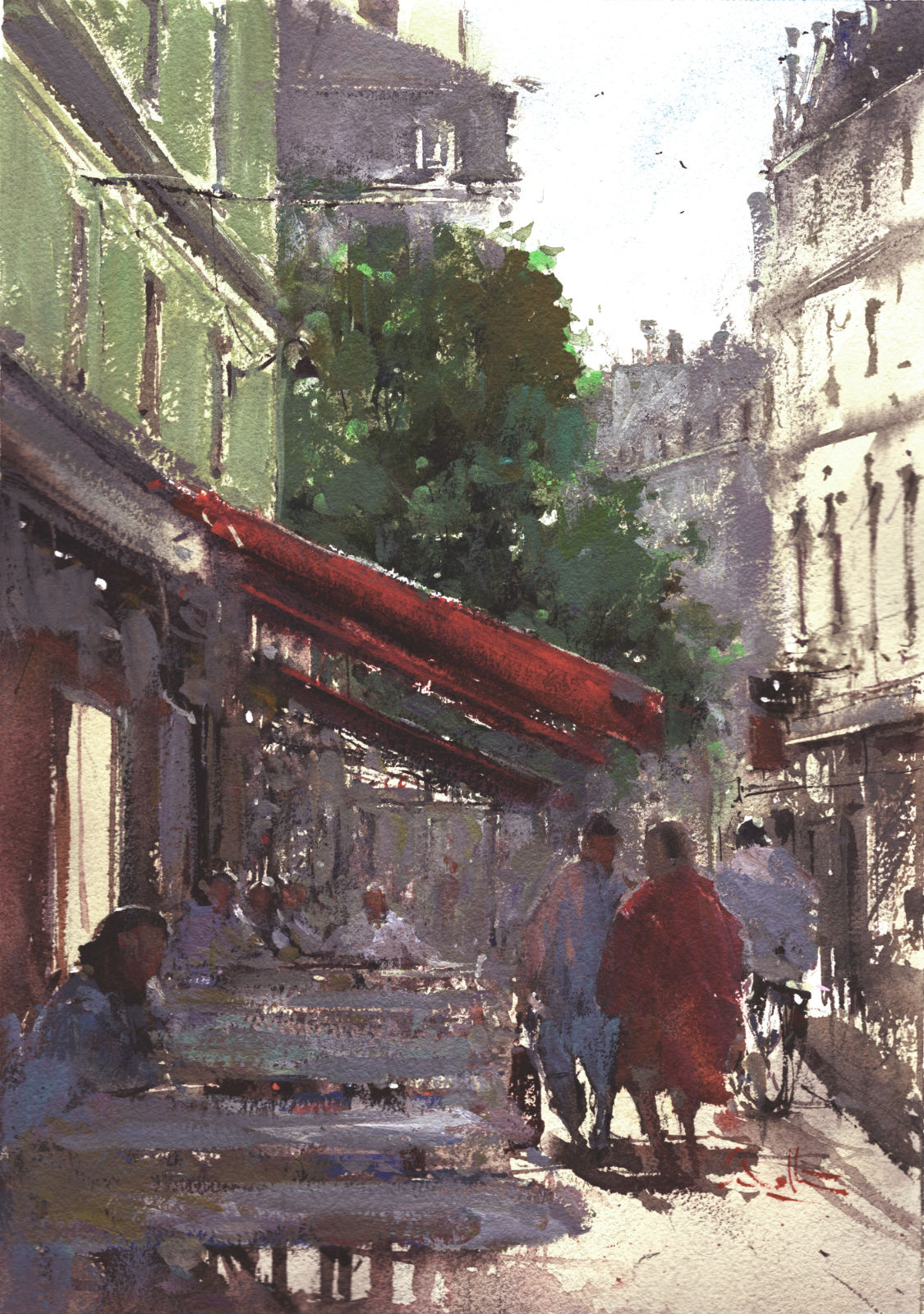
Before zooming in, give the whole painting a moment. Notice where the strongest dark sits, how the light travels across the paper and which colour first catches your eye. In Paris Morning Stroll, the red awning and the bright street beyond create a relationship that is easiest to see in the full composition.
Then move closer
A detail crop can reveal how separate brush marks become a figure, a balcony or a patch of foliage. It is a closer view of part of the artwork, so it should be read alongside the full image. Screen colour and brightness can also affect what you see; an online image is a guide rather than an exact substitute for viewing the original.
Imagine the work in a room
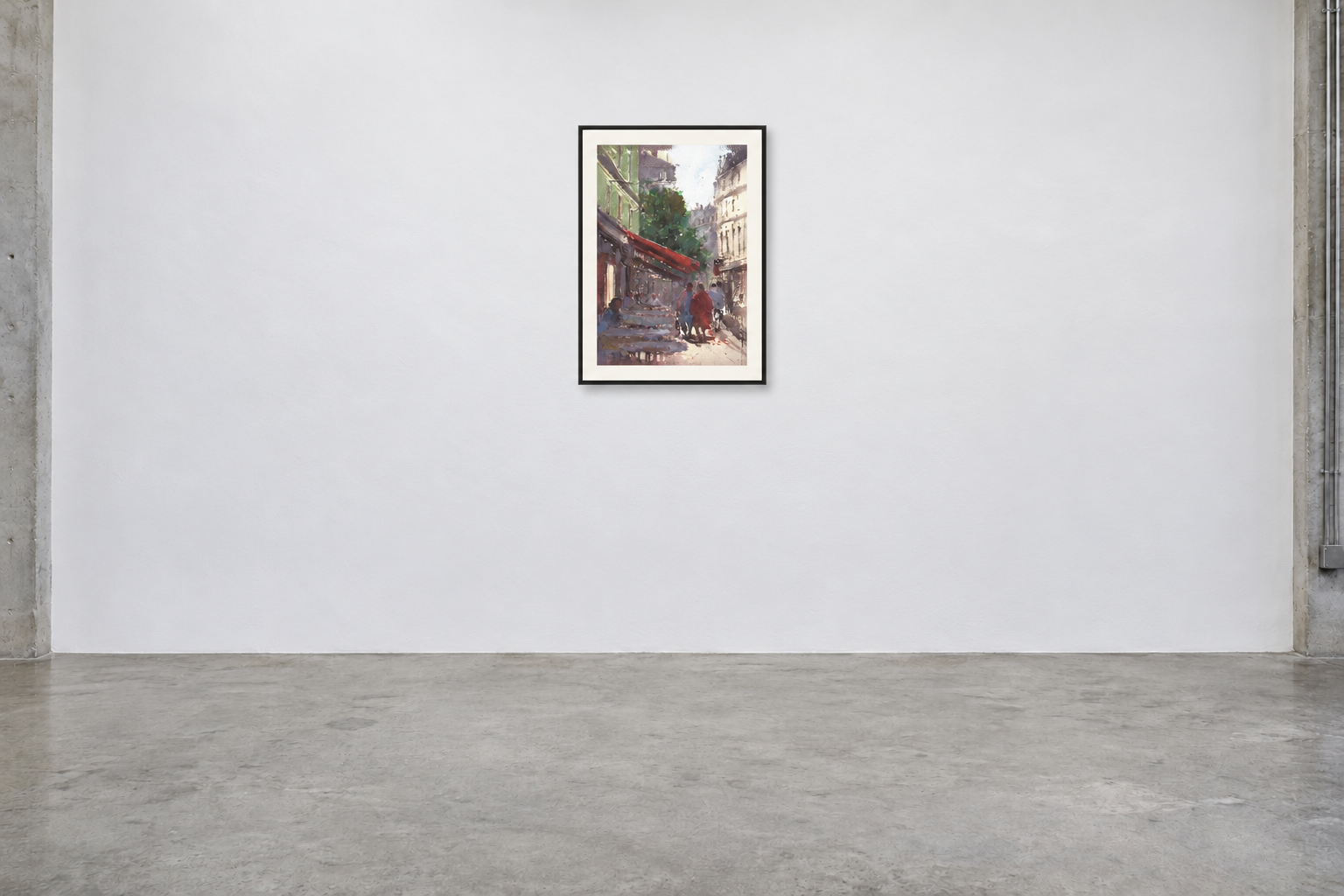
A gallery mockup makes it easier to consider the relationship between a painting and the surrounding wall. The concrete-floor setting used here keeps the attention on the framed work. The mockup is a display concept: it does not establish the artwork’s physical measurements or mean a frame is included.
Questions before buying
Before purchasing, check the confirmed dimensions, medium, availability and whether the work is framed. Ask about delivery to your location and any details that are unclear. Including the artwork title in your enquiry helps connect those questions to the correct painting.
Browse Available Art or send an artwork enquiry. You can also explore the wider portfolio.